
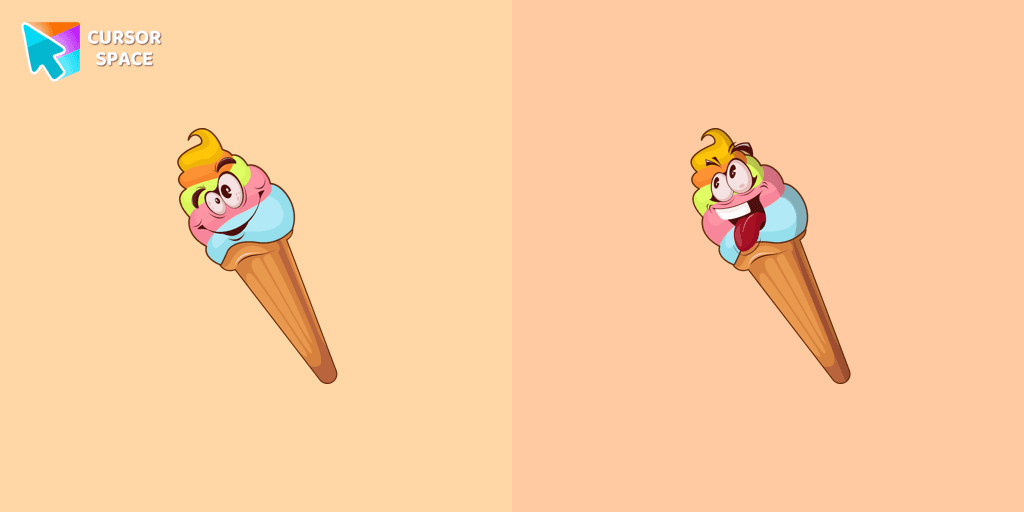
Vanilla Ice Cream cursor
0Free
Vanilla Ice Cream custom cursor for the mouse in a terrific cursors collection for Chrome. Fill up every day surfing the web with the bright and cute designed ice cream dessert cursors.
Install the Cursor Space extension for Chrome or Cursor Space for Edge in your browser.
On this page, click "Add this cursor pack to the extension".
Open the extension and go to the Packs tab.
Find the custom cursor pack "Hello Kitty Devil cursor" and click it.
Enjoy!
Get this cursor pack and thousands of others by installing our extension. It's fast and free!
Hello Kitty Devil Cursor is a themed cursor pack you can add to your browser to personalize your pointer across common cursor states (default and pointer). Use it for everyday browsing, streaming, studying, or gaming-anywhere you want your cursor to match your vibe.
See how the cursors look before installing.
Add the pack to the extension in a few clicks.
Designed for Chrome and Edge via the extension.
Quick answers to common questions about cursor packs, collections, and installation.
Yes. To apply cursor packs in Chrome or Edge, install the Cursor Space extension and add this pack to it.
Cursor packs are designed for Chromium browsers like Chrome and Microsoft Edge.
Open the extension, choose another pack or disable the current one to return to your default cursor.
Custom cursor and packs - neon, anime, pixel art. Quickly add to Chrome and Microsoft Edge for free
Vanilla Ice Cream custom cursor for the mouse in a terrific cursors collection for Chrome. Fill up every day surfing the web with the bright and cute designed ice cream dessert cursors.

Change your usual cursor to our stylish custom cursor with Travis Scott for mouse and pointer.

Add a fresh vibe to your screen with the Green Spades custom cursor for Chrome. Make your browsing stylish and unique!
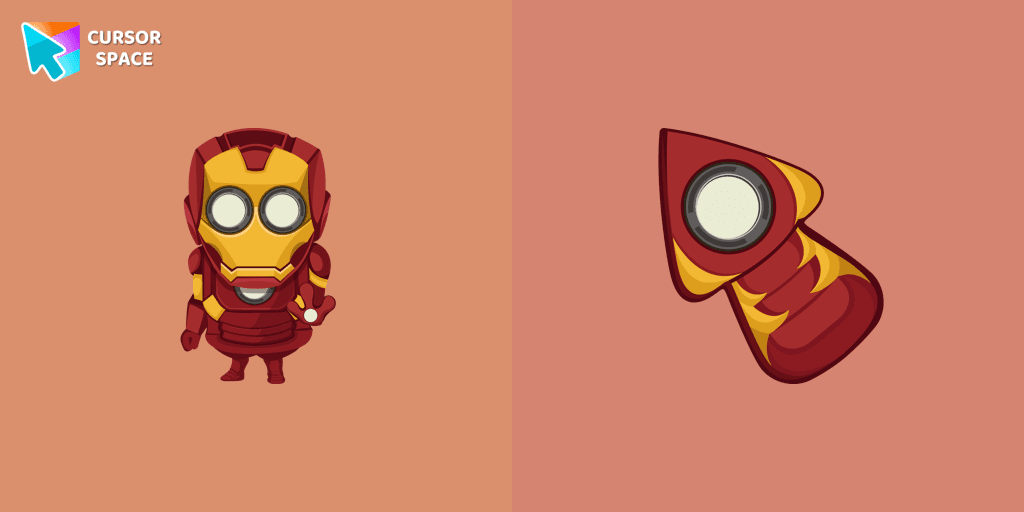
Well-designed Minion Iron Man custom cursor in our fantastic Minions custom cursors collection for mouse and pointer.
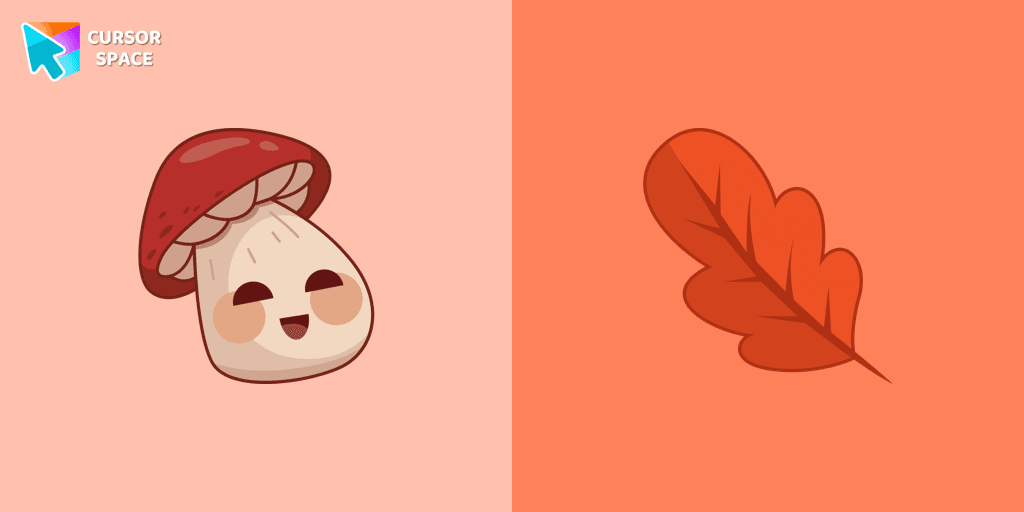
There is a custom cursor with a Porcini and oakleaf as a hover in a set of kawaii cursors for Chrome.
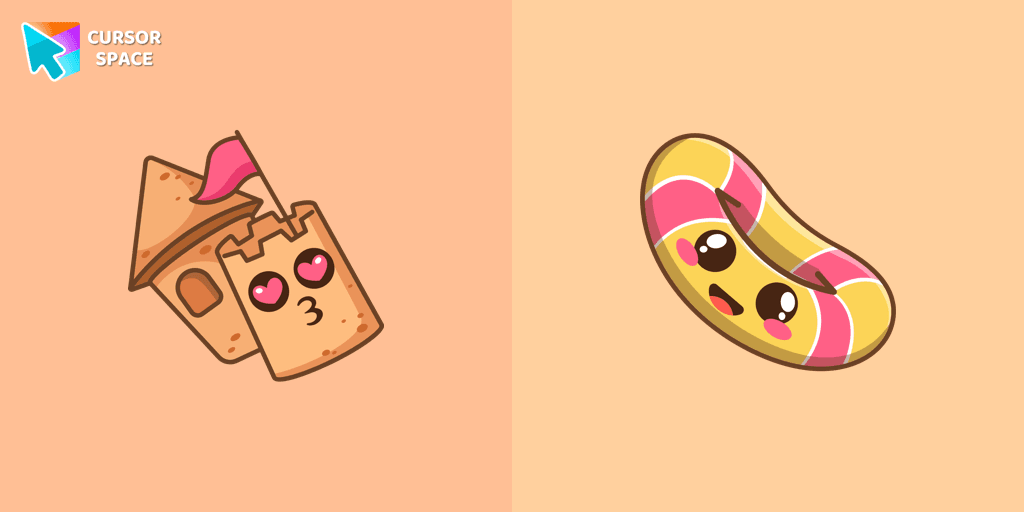
Sand castle pointer for mouse and a funny rubber ring cursor that was created in Japanese Kawaii style for our custom cursor collection.

Banana cursor in a stylish summer presentation will definitely create a good vibe on your screen. Custom cursor with banana in our incredible funny fruits custom cursors collection for Chrome.
Installation leaders from "Hello Kitty": free packs, neon/anime/pixel art, quick add to Chrome and Edge.
You can are able to select different outfits for your custom cursor with Hello Kitty to customize the looking.

Add Red Riding Hood cursor in the collection of custom cursors with Hello Kitty for the browser.
Harley Quinn Kitty Cursor was created especially for Halloween for our Hello Kitty custom cursors collection for Chrome.

Meet the custom cursor with Hello Kitty as a unicorn for Chrome in a Hello Kitty custom cursor collection for mouse and pointers.
Use a cute hamster as a custom cursor for mouse and pointer from our Hello Kitty custom cursors collection for Chrome.

Is a Sanrio character who is a monkey. If you want to change the default cursor to Chi Chai Monchan, you are welcome to our collection of cursors Hello Kitty in a variety of moods.
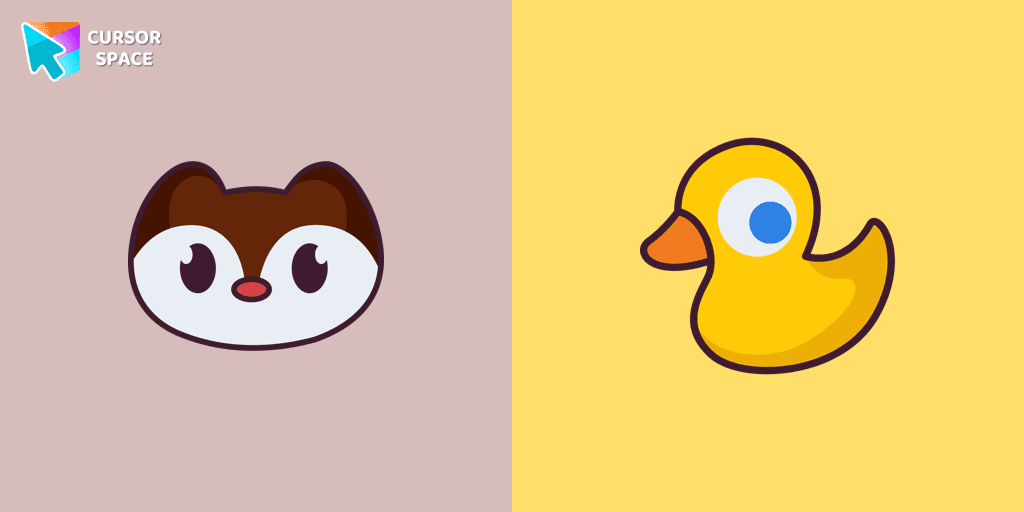
Landry pointer for mouse and a funny rubber duck cursor in our custom cursor collection for mouse and pointer in Hello Kitty design.

Add a Monkichi cursor from our custom cursors collection for mouse and pointer in Hello Kitty design.
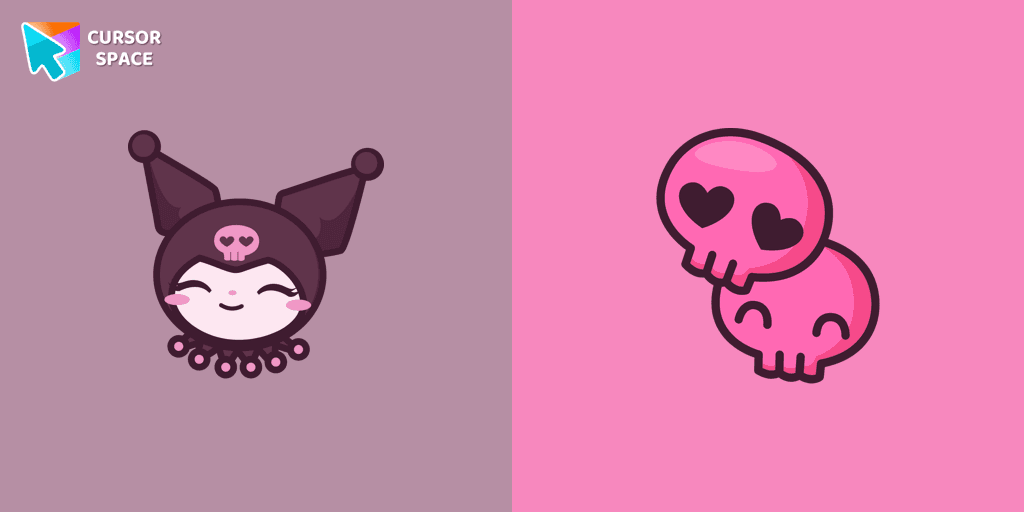
Kuromi is a white rabbit wearing a black jester's cap with a pink skull on the front and a black devil's tail. Kuromi cursor for a mouse is a good fan art to decorate your browsing.
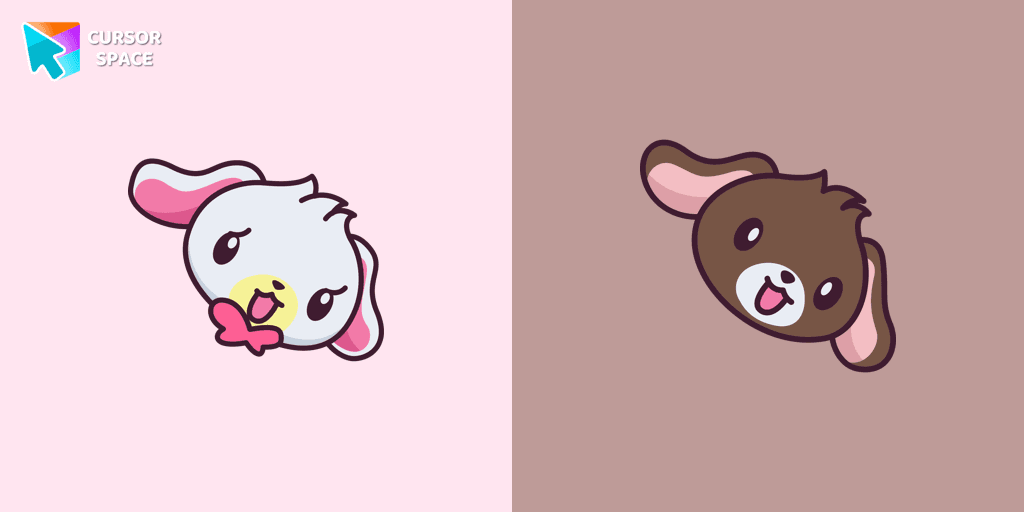
Kurousa and Shirousa custom cursor from our Hello Kitty cursors collection for mouse and pointer.
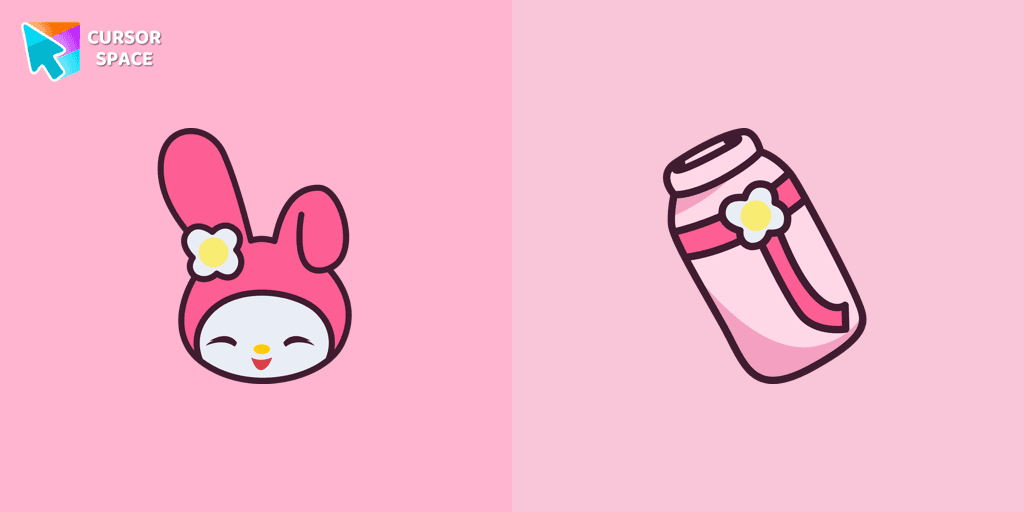
We are glad to present this elegant custom cursor with My Melody from the adorable custom cursors collection for the mouse and pointer Hello Kitty.
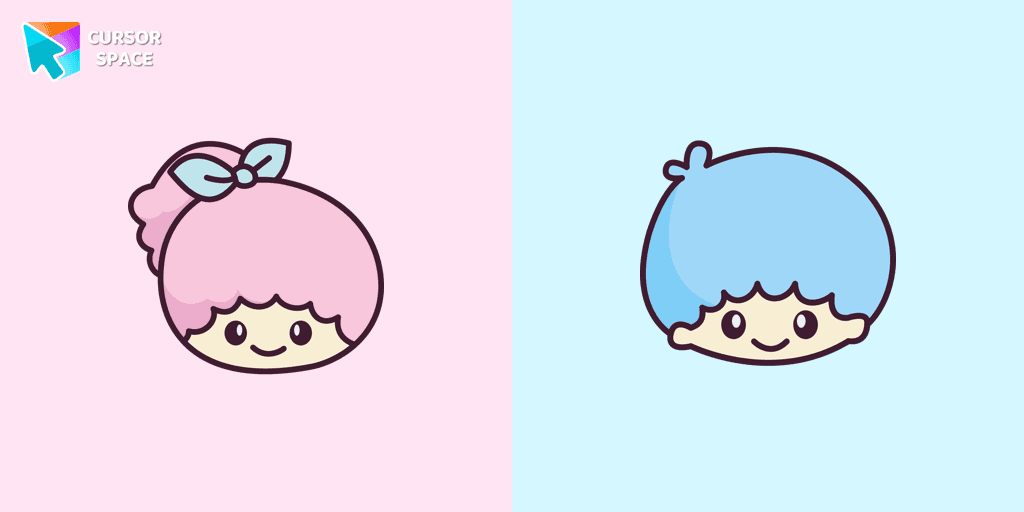
Kiki and Lala cursor element is a cute custom mouse and pointer cursor with stylish pointing.
Add packs instantly and unlock access to thousands of cursors: neon, anime, pixel-art, and more. Fast, safe, and free.
Cursor Space is an extension for changing your mouse cursor in Chrome and Edge browsers: themed collections, HiDPI icons, neon, animated, and pixel cursors, with quick installation.